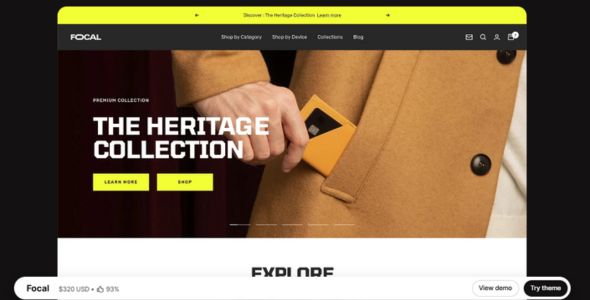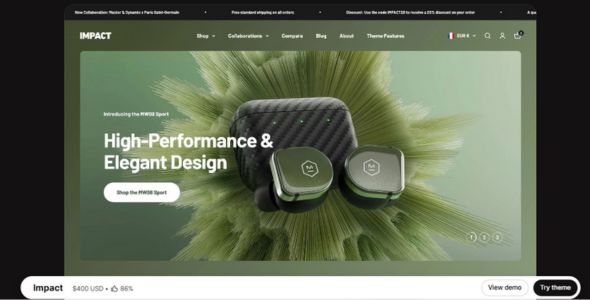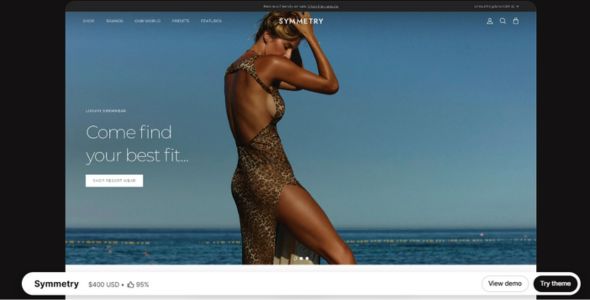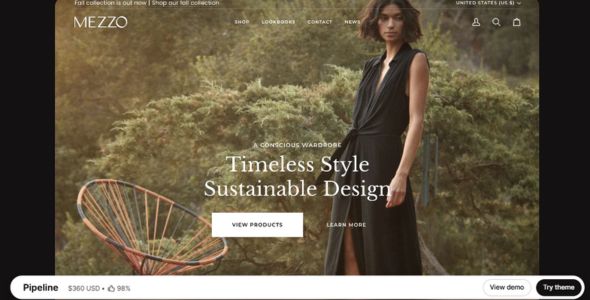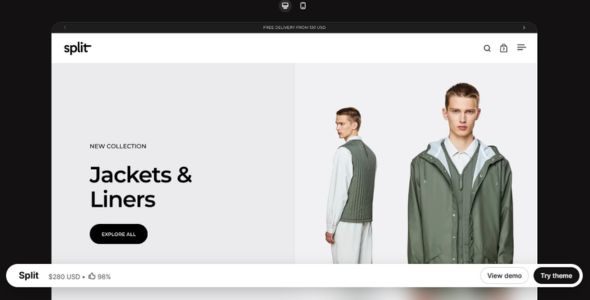
Split Shopify Theme is a stylish, modern, and conversion-focused Shopify theme designed for ecommerce stores that want a visually distinctive storefront and a smooth user experience. With flexible layouts, clean customization options, and strong product presentation features, it is especially well suited for fashion, lifestyle, accessories, beauty, and multi-category stores.
If you’ve been building Shopify stores for a while, you’ve probably heard of Split — it’s one of those themes that keeps coming up among brands that want a modern, split-layout design with clean aesthetics and a premium feel. And there’s a good reason for that. Split isn’t just a Shopify theme; it’s a complete storefront system that gives you control over every aspect of your site while making your products shine.
I first used Split on a project for a fashion accessories brand that wanted something sleek, minimalist, and highly visual. They didn’t want clunky page builders or messy layouts — they wanted a store that felt curated and elevated. Split delivered exactly that. Using Shopify’s native section editor, I was able to create split-screen layouts, highlight featured products, and adjust content visually without touching code. It’s one of those themes that immediately feels intuitive and flexible.
What I really like about Split is that it doesn’t constrain your creativity. Some Shopify themes feel rigid, but Split gives you room to build bold, unique layouts while keeping everything performance-focused. It works beautifully for fashion, lifestyle, and premium product stores. And because it’s built natively for Shopify, performance stays strong even with split-screen imagery and high-resolution visuals.
 Try Theme
Split Shopify Theme Features
Let’s break down what makes Split such a popular choice among Shopify store owners.
1. Visual Section Builder with Split Layouts
The first thing you’ll notice is how intuitive the visual editor is. You can create split-screen sections, drag and drop images, add text overlays, and adjust layout ratios on the fly. The live preview makes it easy to see how everything looks across devices.
2. Ready-to-Use Store Templates
Split comes with multiple professionally designed demos for fashion, lifestyle, tech, and creative brands. You can import a demo in minutes, swap in your own content, and launch quickly. I once used the “Modern Split” demo for a boutique accessories store — after swapping images and colors, it looked completely custom.
3. Product Pages Designed to Sell
Split’s product pages are clean and conversion-focused. You get high-resolution image galleries, product tabs, sticky add-to-cart buttons, and clear pricing information. Everything is designed to highlight your products while keeping the shopping experience smooth.
4. Flexible Collection Layouts & Filtering
Large catalogs are easy to navigate with Split. You can create dynamic collection pages, enable filtering by size, color, or price, and make browsing intuitive. This is especially useful for stores with visually-driven product ranges.
5. Brand Storytelling Sections
Split makes storytelling simple and impactful. You can create sections with images, text, video, and lifestyle content that guide visitors through your brand narrative — perfect for premium or lifestyle-focused products.
6. Fully Responsive & Mobile-Optimized
Every Split layout is fully responsive. Spacing, typography, and layouts adapt across desktop, tablet, and mobile, and you can fine-tune mobile-specific settings. Your store will look polished and professional on all devices.
7. Performance-Friendly Design
Despite its high-resolution visuals and split layouts, Split remains lightweight and fast. Scripts are optimized, images load efficiently, and Shopify’s caching works seamlessly. I’ve built Split stores that consistently score well on performance tests.
8. Built-In Marketing Tools
Split includes announcement bars, product badges, promo banners, and call-to-action sections. You can run campaigns and highlight offers directly inside the theme without relying on extra apps.
9. Global Brand Controls
Fonts, colors, buttons, and spacing can be set globally. Update your brand style once, and it propagates across the entire store — perfect for consistency and time-saving.
10. Regular Updates & Reliable Support
Split is actively maintained with updates for Shopify compatibility and feature improvements. Documentation is clear, and support is responsive — a huge advantage for store owners relying on uptime and smooth functionality.
My Experience
I’ve used Split for fashion, lifestyle, and creative eCommerce stores, and it consistently delivers both visual impact and usability. One project was a premium handbag brand where split-screen sections highlighted new collections and lifestyle photography seamlessly. Another was a boutique electronics store where the layout elevated product storytelling and simplified browsing.
What I enjoy most about Split is the balance between bold, modern design and functional usability. You get complete control over typography, spacing, layout, and imagery — all visually. And if you want to add custom code, Split supports it cleanly.
Performance-wise, Split stores load quickly, even with high-resolution imagery, making it one of the few themes that delivers premium design without slowing your site down.
Download Split Shopify Theme Last Version
We’re sharing Split Shopify Theme here for free for testing purposes only. You can explore its layouts, features, and sections to see if it fits your brand. If you love it and want full access with official updates and support, we highly recommend purchasing it directly from the developer.
Get the official Split Theme here: Buy Split
Last Updated on March 18, 2026 by admin